
Create digital page flip articles in a snap
With the Publizr Adobe PDF web app you can create page flip books easily. Upload your Adobe PDF and your digital page flip article is ready to add on your site or blog in no time.
Learn more >
Do you have beautiful articles you want to add in an interactive way on your site or blog? It doesn't matter how beautiful your articles are, your audience will not get excited if you present them a static PDF edition on your site or blog. A Adobe PDF also has to be downloaded entirely before it will open!
With our digital page flip article web app you can quickly turn your Adobe PDFs into interactive page flip books that open directly. Your audience will love to share your digital page flip articles via Pinterest! New audience will also be reached because every single word in your page flip books can be indexed by search engines, like Google. By adding links to your web shop, visitors of your digital page flip articles will be converted to clients. Self creating online articles couldn't be easier! There's even an option to publish your Adobe PDFs online for FREE!
With the Publizr Adobe PDF web app you can create page flip books easily. Upload your Adobe PDF and your digital page flip article is ready to add on your site or blog in no time.
Learn more >
Turn your Adobe PDF into an interactive page flip book. Add hyperlinks and page links and customize the look and feel to match your brand by setting your house style colors.
Learn more >
Your digital page flip articles offer an outstanding display quality with razor sharp text and illustrations. Your audience will be eager to share your page flip books on social media.
Learn more >
Vector based qualityCaptivate your audience with the highest quality out there! Offer an outstanding brand experience with razor sharp text and illustrations. 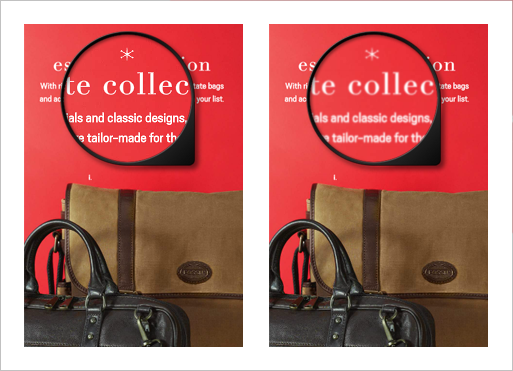
|
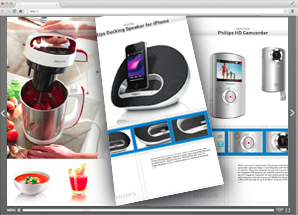
Smoothly turning pages
|
Strikingly stylish menuWith the stylish menu you offer your audience a top-notch brand experience. The clean reader ensures that your page flip book gets full attention. 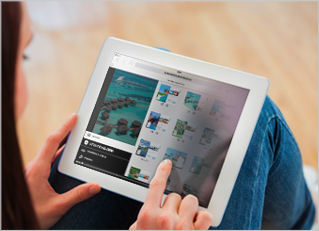
|
Just upload your PDFYou can turn your Adobe PDF into an interactive online page flip book in a snap. With all detected URLs and email addresses even made clickable! 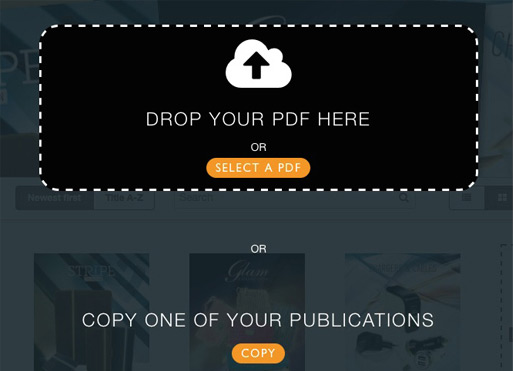
|
Easily add linksThe intuitive Drag & Drop Editor makes adding URL and page links a breeze. With the snap feature you can align frames easily. 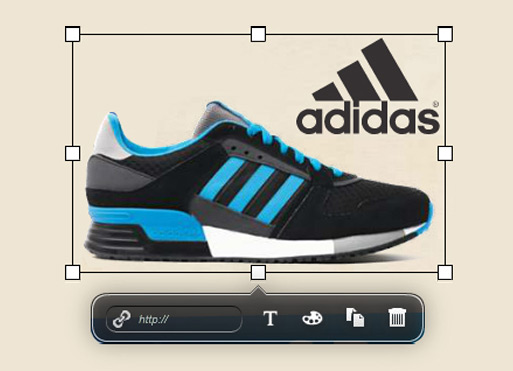
|
No apps neededNo need for expensive apps. Your article can immediately be viewed in the mobile browser, optimized for iOS and Android. 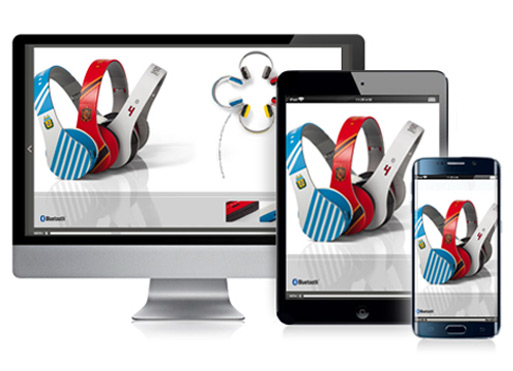
|
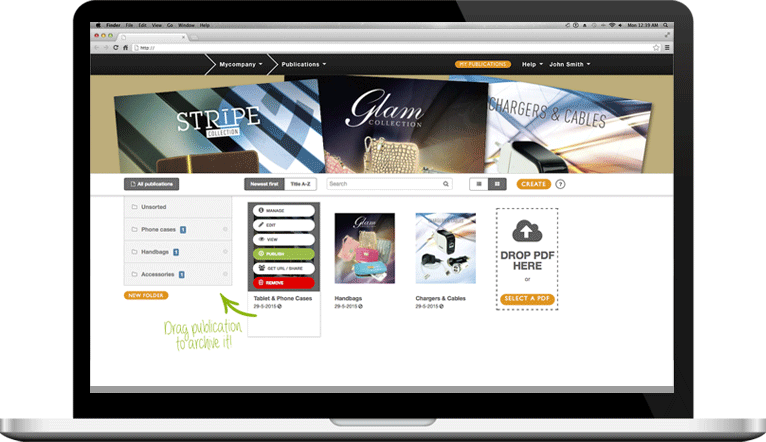
Publizr is trusted by many well-known brands, with clients ranging from startups to large enterprises in all types of industries. Our clients like to turn their flat Adobe PDFs into interactive digital page flip articles that captivate their clients and can be viewed on tablets. With visitors being converted into clients as a result.
We are passionate about offering the best Adobe PDF web app. To help you create top quality digital publications: responsive online pamphlets and flyers, online brochures, ecatalogs, page flip books, online lookbooks, journals, manuals and more. View some examples and get inspired! Create your free account and start creating digital page flip articles with the intuitive web app, too!









With the intuitive Adobe PDF web app it's very easy to create digital page flip articles. Sign up for your free account without entering your credit card details. Next, convert your Adobe PDFs and create as many page flip books in the cloud as you like with full access to all Publizr features. You can add publications on your website or web shop or share them on Pinterest. After your 14-day trial you choose which paid or free plan you prefer.
You can keep your page flip books online for an indefinite period. With unlimited bandwith included and software updates for free and no web host needed. We use the best networks, servers and a global CDN to make sure that your audience all over the world can view your digital page flip articles as fast and reliable as possible.